 SlidesGPT API
Authentication
Get an API key and authenticate your requests
To use the SlidesGPT API, you need an API key for authentication. This key must be included in every request as a Bearer token in the Authorization header.
How to Get an API Key
Sign up or log in to SlidesGPT.
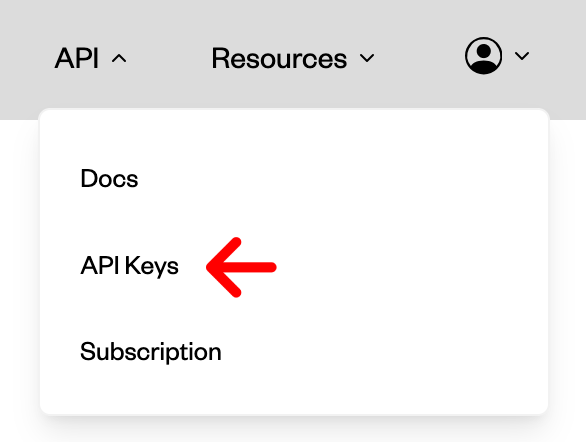
Navigate to the API Keys page.
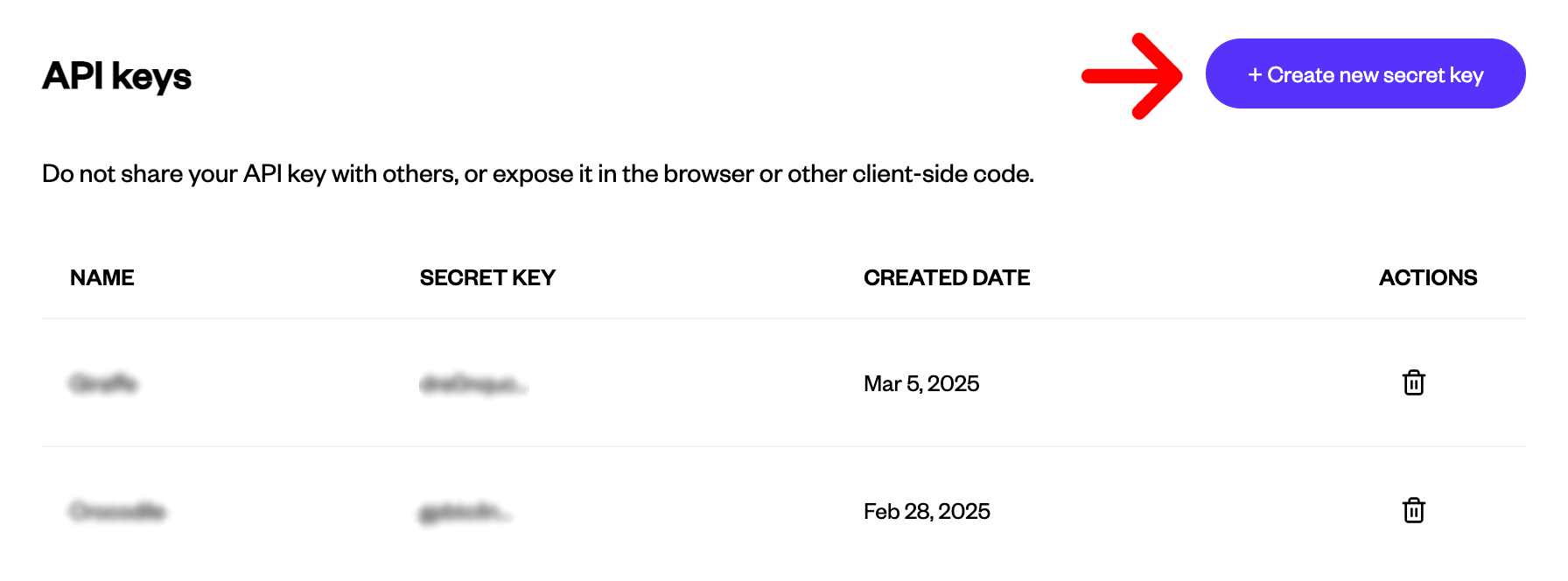
Generate a new API key.
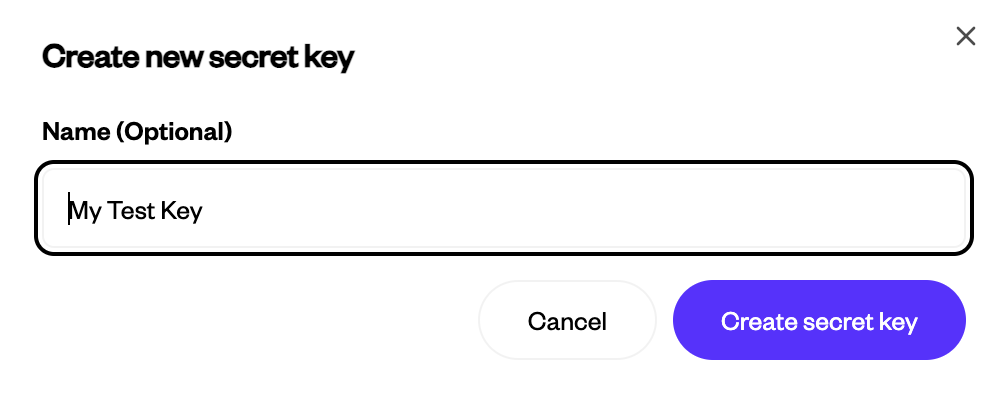
Optionally, give your key a name.
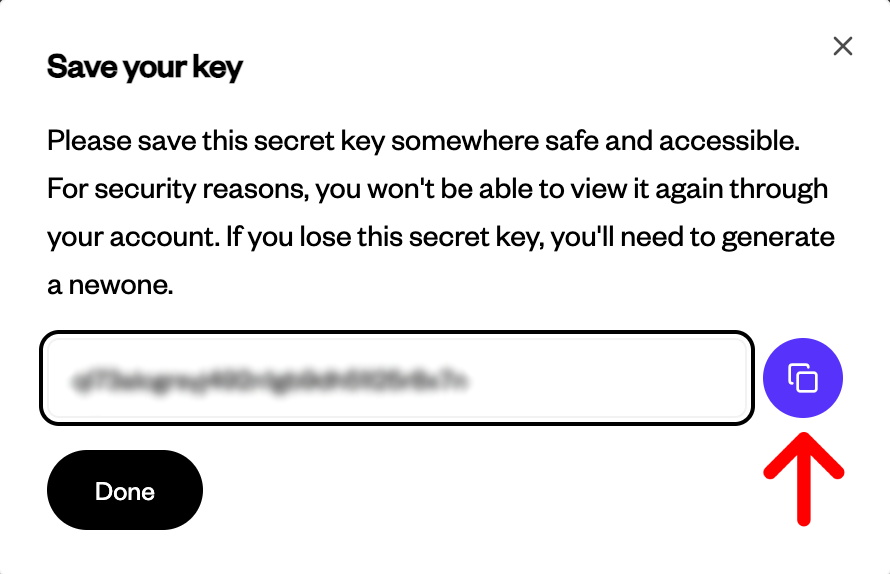
Save your key.
Using the API Key
Include it in your request headers:
Authorization: Bearer YOUR_API_KEYKeep your key secure and do not share it.